T24menu Restaurant OS

One operating system for restaurant ordering and growth

From web orders to staff ordering, kitchen flow, CRM, and repeat visits in one order system.

T24menu helps restaurants launch a branded ordering website and manage menus, orders, Stripe payments, staff ordering, QR table ordering, kitchen display, customer CRM, campaigns, and AI business insights. Start with real transactions, then run daily operations and growth from one system.

Branded website
Staff tablet ordering
QR table ordering
AI business brief
5 min
Launch time
From signup to website
4
Ordering channels
Web, staff, QR, phone
1
Operating portal
Orders, menu, customers, finance
Built for real restaurant revenue
Brand website
Unified menu
Staff ordering
QR ordering
Kitchen display
CRM retention
Product Platform

One menu source powering every ordering and operations scenario

T24menu does not duplicate menu systems. The same menu, order, customer, and payment data supports customer web ordering, staff-assisted ordering, QR table ordering, and kitchen operations.

Product suite
01

Unified menu data

Merchants update the menu once, and the web storefront, staff tablet, and table QR experience use the same items, images, prices, and modifiers.

Categories and itemsModifiersFeatured and sold-out states
02

Multi-channel ordering

Online, staff, QR table, and phone orders all enter the same order engine with clear source tracking.

Direct WebStaff TabletQR Table / Phone
03

Lightweight operations loop

Orders flow into kitchen, finance, CRM, coupons, and AI reports, helping every transaction become owned customer value.

KDS kitchenFinance ledgerCRM retention
Core Capabilities

More than an ordering page. A lightweight restaurant SaaS OS.

The homepage focuses on what real merchants care about: branded ordering, staff ordering, kitchen flow, payments, owned customers, and AI-assisted growth.

Branded restaurant website

Generate a dedicated /s/[storeSlug] site with logo, banner, address, hours, menu, and online ordering.

High-converting guest ordering

Image-led menus, category navigation, item details, modifiers, and a mobile cart built for smooth checkout.

Apple-style merchant workbench

Merchants land on an iPad-like workbench with quick access to orders, menus, customers, AI, finance, and settings.

Staff mobile ordering

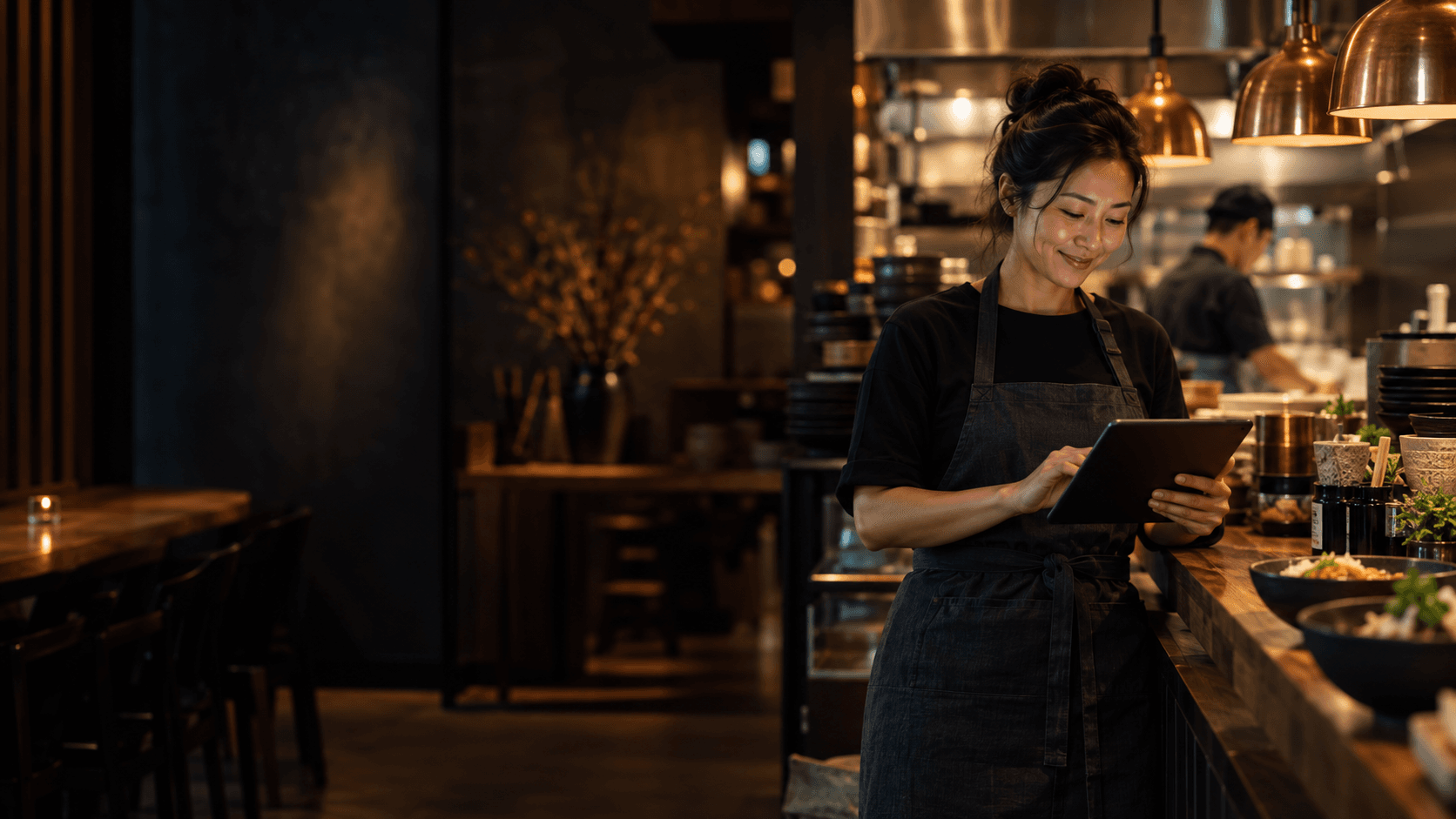
Staff can use phones or tablets to help walk-in guests order, while customer history and loyalty stay connected.

QR and kitchen workflow

Table QR ordering, dine-in orders, and kitchen display share one order state flow for smoother operations.

CRM, campaigns, and AI growth

Segments, loyalty, coupons, campaigns, AI briefs, and reports help restaurants increase repeat purchases.

Unified Restaurant OS

One data layer for four ordering channels and the operations loop

T24menu V1 stays focused: no full POS, no delivery marketplace aggregation. It connects direct ordering, staff ordering, QR table ordering, and customer growth first.

T24menu V1

Direct Web + Staff Tablet + QR Table + CRM / AI Growth.

Customer Web

Customer web ordering

Guests arrive from Google, social, or the restaurant site and order directly from /s/[storeSlug].

Branded pageMobile firstStripe payments
Staff Tablet

Staff-assisted ordering

Staff find members or create customers, then place dine-in or takeout orders in the same order engine.

Customer lookupDine-in / takeoutUnified orders
QR Table

QR table ordering

Each table can have its own QR URL. Orders carry table context into the kitchen workflow.

Table bindingQR downloadDINE_IN orders
Kitchen

Kitchen display

Kitchen teams move paid orders through preparing, ready, and completed with large iPad-friendly cards.

Large cardsLarge actionsiPad landscape
Growth

Customer growth loop

Orders become customer segments, loyalty levels, coupons, and campaigns for retention.

CRMCouponsCampaigns
AI Manager

AI-assisted operations

AI analyzes and suggests briefs, tasks, reports, and campaign drafts while merchants approve actions.

Daily BriefInsightsROI Tracking

A commercial path from launch to repeat visits

Merchants launch the ordering site first, then enable staff ordering, QR, kitchen flow, CRM, and AI-assisted growth.

01
Subscribe
02
Create store
03
Add menu
04
Connect payment
05
Publish site
06
Enable in-store ordering
07
Grow retention
Why Direct Ordering

Compared with marketplaces, T24menu gives restaurants their own growth channel

Delivery platforms can bring orders, but they often own the customer, brand surface, and data. T24menu helps restaurants build a long-term online asset.

Capability
Traditional marketplace
T24menu
Customer relationship
Customer belongs to the platform
Customer data stays with the restaurant
Brand experience
Generic marketplace profile
Branded website and menu journey
Order data
Limited visibility
Orders, payments, and customers connected
In-store ordering
Online and in-store orders are disconnected
Web, staff, QR, and phone orders share one system
Operations
Front-of-house, kitchen, and finance need separate tools
Orders, KDS, finance, and CRM stay connected
Cost structure
High recurring commissions
Subscription plus clearer transaction fees
Go-live model
Dependent on platform ranking
Merchant-controlled direct channel
Restaurant Use Cases

Built for restaurants that need to launch quickly

Chinese restaurants, sushi shops, cafes, and small chains all follow the same core launch flow.

"We can finally send guests to our own ordering site instead of only relying on platforms."

Golden Dragon

Los Angeles · Chinese restaurant

Google visits started converting into owned direct orders within two weeks.

"The photo, modifier, and cart flow feels much smoother than our old site."

Sushi Zen

Vancouver · Japanese restaurant

Mobile menu browsing improved and dinner pickup orders became more consistent.

"The dashboard is simple enough for new staff to learn quickly."

Bistro 88

Toronto · Fast casual

Staff update menus and hours without waiting on a developer.

T24menu V1

Turn your restaurant website into an ordering system

Start with a publishable branded ordering site, then build a long-term asset across orders, customers, and revenue.

T24T24menu

T24menu helps restaurants build a branded online ordering system for menus, orders, payments, and customers.

Product

  • Product Suite
  • Online Ordering
  • Menu Management
  • Payments

Support

  • Help Center
  • Demo Store
  • Launch Checklist
  • Security

Contact

  • hello@t24menu.com
  • +1 888 T24 MENU
  • Toronto · Los Angeles · Singapore