Location-aware stores and menus
Confirm each location's menu, hours and service options while keeping room for local decisions.
Connect the core ordering and customer workflows while preserving the details that make each restaurant feel local.
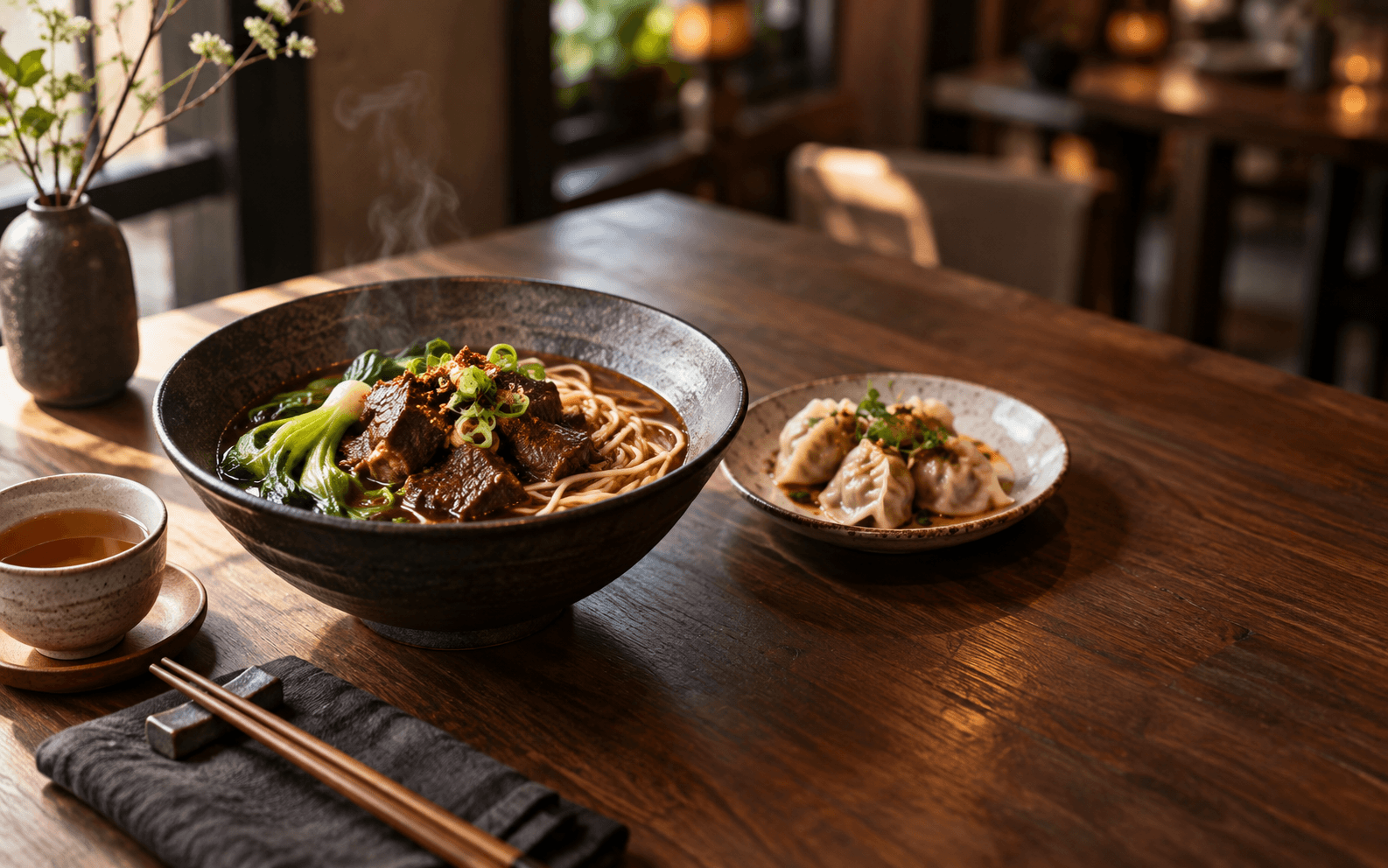
Confirm each location's menu, hours and service options while keeping room for local decisions.
Use actual roles and location permissions to determine who can view, manage and export information.
Prove the flow in one location before expanding; introduce head-office capabilities as they become available.
Set up items, modifiers, hours and service options.
Help the front desk and kitchen see what needs action.
Keep useful service and order context with guest permission.
Use order and receipt records to decide what to improve next.
Begin with the workflow that needs the most clarity. Start with menus and direct ordering, then introduce operations, loyalty and campaigns.
The catalog distinguishes current capabilities, work in progress and planned integrations. Payments, messaging and external channels also require their respective accounts and configuration.
Less time navigating tools. More time for your food and your guests.