Mobile-first menu and checkout
Prepare menus, hours and service options so guests know exactly how to order.
Give guests a simple, branded path from menu discovery to checkout, while your team manages the experience from one place.
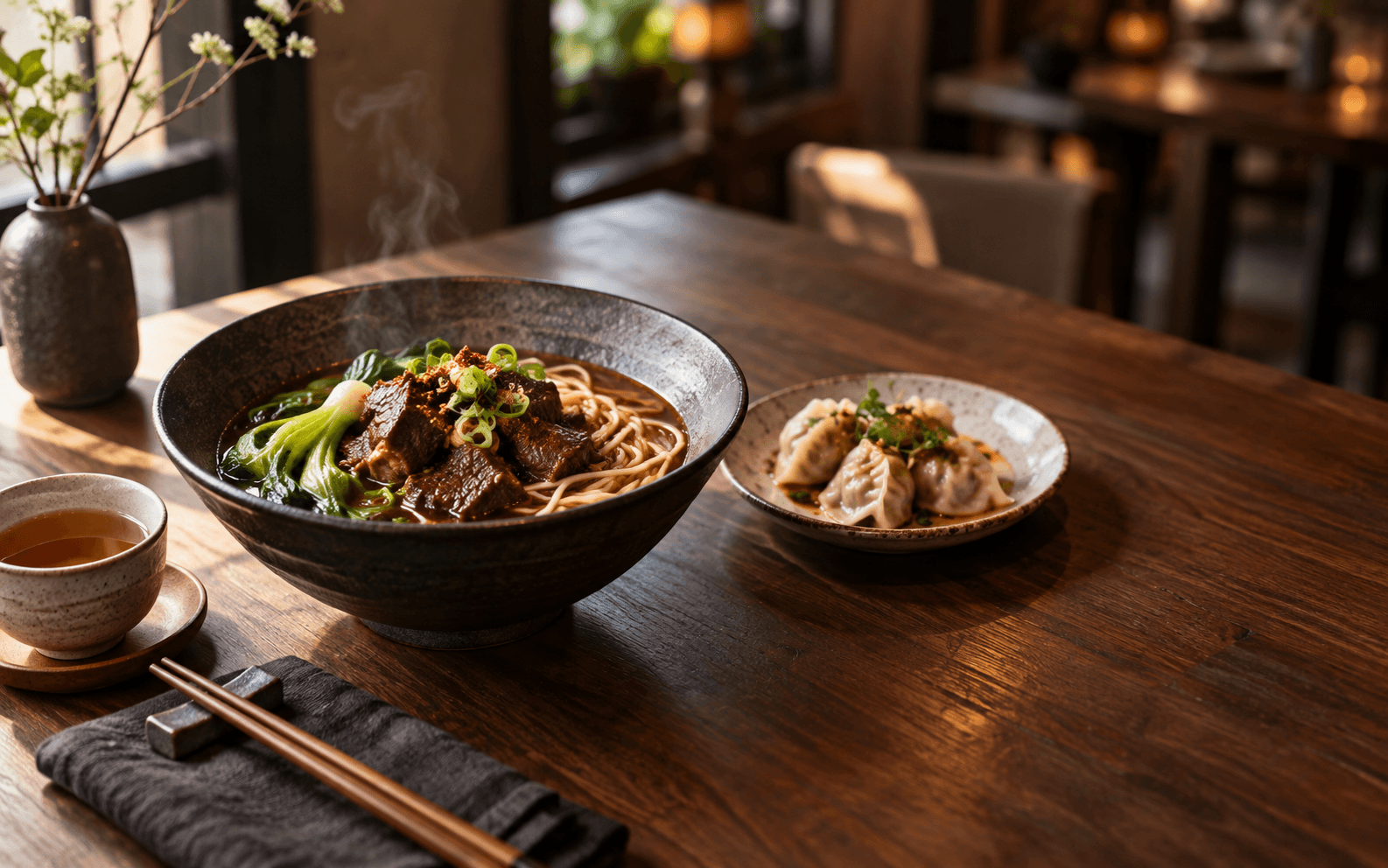
Made fresh · Pick up nearby
Illustrative interface & data
Prepare menus, hours and service options so guests know exactly how to order.
Give acceptance, preparation, pickup and exceptions a clear owner on the team.
Use order context and guest permission to introduce loyalty, relevant offers and campaigns.
Set up items, modifiers, hours and service options.
Help the front desk and kitchen see what needs action.
Keep useful service and order context with guest permission.
Use order and receipt records to decide what to improve next.
Begin with the workflow that needs the most clarity. Start with menus and direct ordering, then introduce operations, loyalty and campaigns.
The catalog distinguishes current capabilities, work in progress and planned integrations. Payments, messaging and external channels also require their respective accounts and configuration.
Less time navigating tools. More time for your food and your guests.